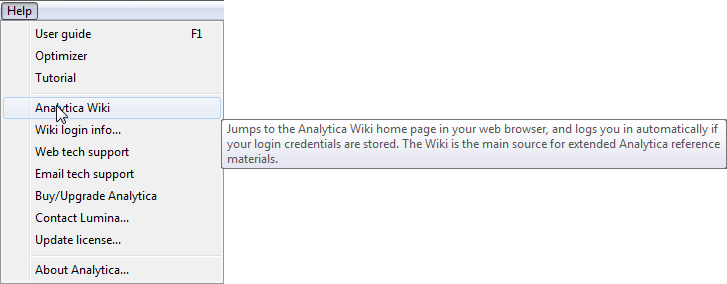
From Analytica's Help menu, select Analytica wiki. It will open the Analytica Wiki home page in your default web browser.
In Analytica 4.6 and earlier, the three top links, User Guide, Optimizer, and Tutorial, open the selected document as a PDF. In Analytica 5.0, select one of these options to open it as at Analytica User Guide, Optimizer, or Analytica Tutorial as part of this wiki. These wiki versions have several advantages over the PDF documents: They contain numerous clickable cross-links; you can search them simultaneously using the search box (top right of this page); they are continuously updated; and you can comment on them or improve them yourself in the wiki.
Right-click on Definition for Wiki help for a system function
To see wiki help for any function from inside Analytica.
Select a function identifier, say, NPV, in the Definition of a variable by double-clicking it.
Right click to see the context menu
Select Wiki help on NPV to open the wiki page with a full description and examples:
Select function name, open right-click menu, and select Wiki help
Open Object view for a function from Definition menu
You can also open the wiki page for a function from the Definition menu. For example, select Factorial from the Math menu:
It opens an Object window looking like this:
To open its wiki page, click the blue link Wiki help on Factorial.